

Discover top free AI tools like ChatGPT, GitHub, Vercel, and Gemini to build apps, websites, and projects easily in 2026. Complete beginner guide.
How AI is Changing Coding and Development in 2026
Artificial Intelligence has completely transformed the way people approach coding, development, and digital creation in 2026. Earlier, building a website, app, or software required years of learning programming languages and frameworks. Now, tools powered by AI have simplified the process so much that even beginners can create professional-level projects with minimal experience. Platforms like ChatGPT are helping users generate ideas, write code, debug errors, and even design full project structures within minutes. This has opened new opportunities for freelancers, students, and entrepreneurs who want to build digital products quickly without heavy technical knowledge. AI tools are not just assisting developers; they are acting like virtual partners that guide every step of the process. Whether you want to create a video app, a portfolio website, or a business platform, AI can help you plan, execute, and optimize your project efficiently. This shift is making technology more accessible and empowering people to turn their ideas into reality faster than ever before.
Using AI to Generate Ideas and Build Projects
The first step in any project is having a clear idea, and AI tools are excellent at brainstorming and structuring concepts. With tools like ChatGPT, users can generate project ideas such as creating a video streaming app, an educational platform, or even a personal portfolio website. You can ask AI to suggest features, layouts, and technologies required for your project, which saves a lot of research time. AI can also help create content, design UI elements, and suggest improvements based on trends. For example, if you want to build a coding tutorial app, AI can provide you with a step-by-step roadmap, including backend structure, frontend design, and monetization strategies. This makes it easier for beginners to start without feeling overwhelmed. Additionally, AI can help generate scripts for videos, app descriptions, and even marketing content. This combination of creativity and automation makes AI an essential tool for anyone looking to build multiple projects efficiently.

Building Websites Easily with Vercel v0
Creating websites has become extremely simple with tools like v0 by Vercel and Vercel. These platforms allow users to generate website layouts and components using AI prompts. Instead of writing complex frontend code manually, you can describe your design and let AI generate responsive UI instantly. Once your design is ready, Vercel makes deployment incredibly smooth. You can connect your project repository and launch your website live within minutes. It also supports custom domains, making your project look professional and production-ready. The best part is that these tools offer free plans, which are perfect for beginners and small projects. This means you can build, test, and deploy multiple websites without worrying about costs. AI-driven website creation is especially useful for freelancers who want to deliver projects quickly and efficiently while maintaining high-quality results.
App Development with Android Studio and AI Support
Mobile app development is another area where AI has made a significant impact. Tools like Android Studio allow developers to create powerful Android applications. When combined with AI tools, the process becomes even faster and more efficient. AI can help generate code snippets, suggest UI improvements, and fix errors in real time. For beginners, this reduces the learning curve and makes app development more approachable. You can build apps such as video players, educational tools, or productivity apps using AI guidance. Additionally, AI can help optimize performance, improve user experience, and suggest modern design trends. With the right combination of Android Studio and AI tools, anyone can create professional apps and publish them on app store or Play Store. This opens up opportunities for monetization and building a digital presence in the mobile ecosystem.
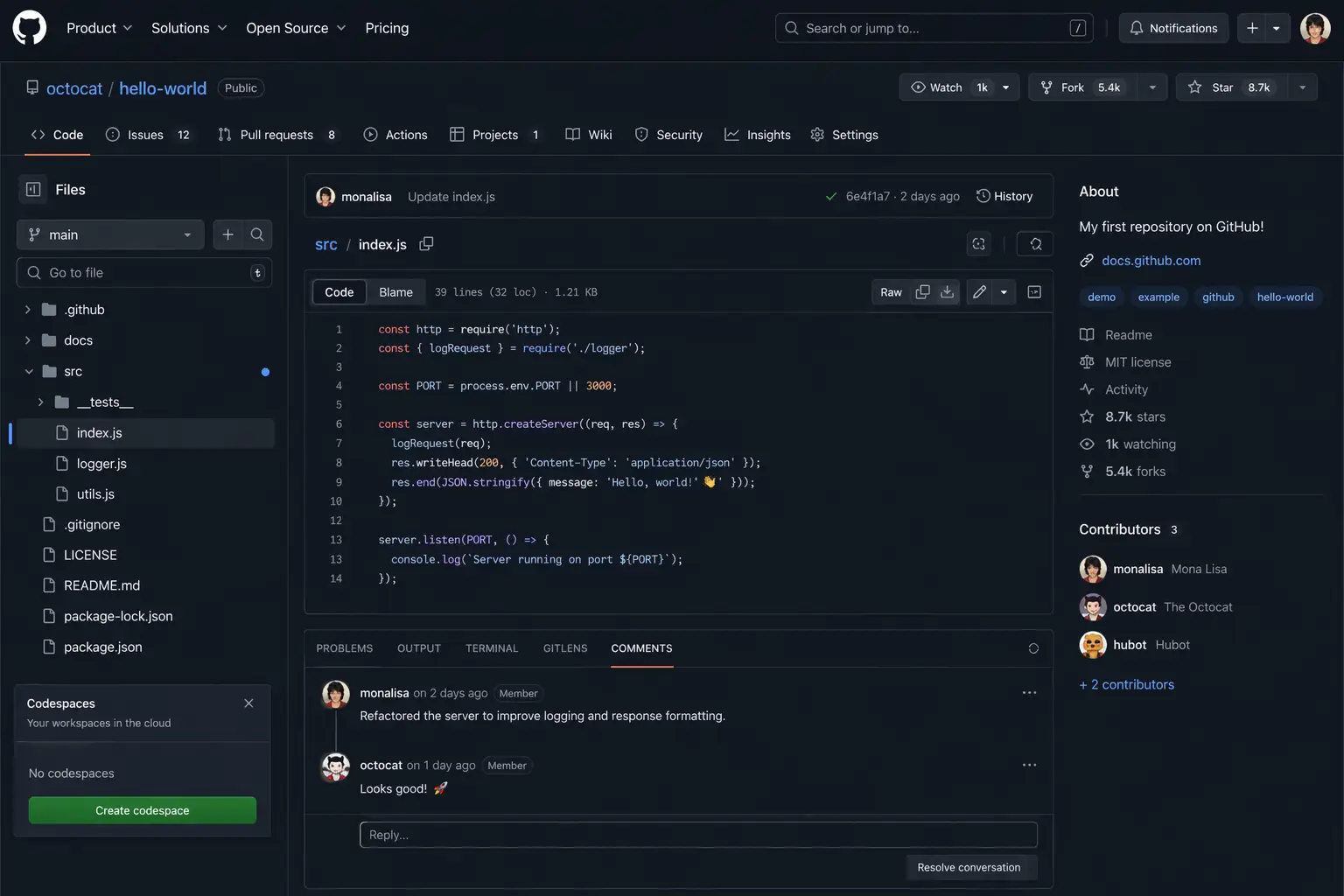
Understanding GitHub and Repository Management
Version control and code storage are essential parts of development, and GitHub is one of the most popular platforms for this purpose. GitHub allows developers to store their code in repositories, collaborate with others, and track changes over time. Creating a repository is simple: you initialize a project, upload your code, and manage updates using version control. This helps you keep your project organized and secure. GitHub also supports collaboration, meaning multiple developers can work on the same project simultaneously. It is widely used for open-source projects, allowing anyone to contribute and learn from others. Additionally, GitHub integrates with deployment platforms like Vercel, making it easy to push code and go live instantly. For beginners, learning GitHub is crucial because it not only helps in managing projects but also builds a strong portfolio that can attract job opportunities and freelance clients.
Using Google Gemini for Code Fixing and Optimization
Debugging and fixing code errors can be challenging, especially for beginners. This is where AI tools like Google Gemini come into play. Gemini can analyze your code, identify issues, and suggest improvements instantly. Whether it is a syntax error, logic issue, or performance problem, AI can provide accurate solutions and explanations. This reduces the time spent searching for answers online and helps developers learn faster. Gemini can also optimize code by suggesting better structures and efficient algorithms. This is particularly useful when working on large projects or complex applications. By using AI for debugging, developers can focus more on creativity and innovation rather than getting stuck on technical problems. This makes the development process smoother and more enjoyable.
Deploying Projects and Connecting Domains with Vercel
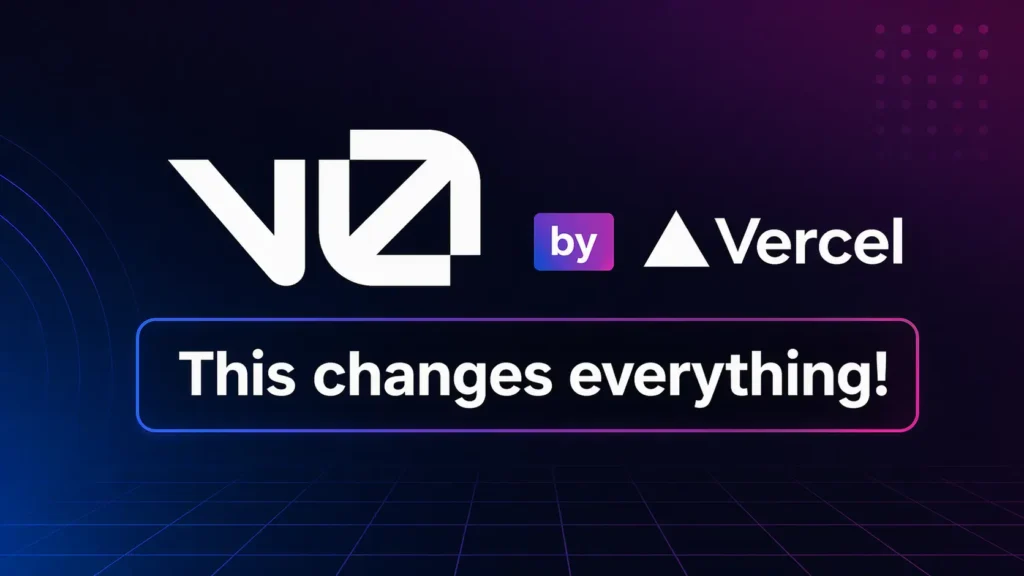
Once your project is ready, the next step is deployment, and Vercel makes this process incredibly simple. You can connect your GitHub repository, and Vercel will automatically build and deploy your project. It also provides features like automatic updates, performance optimization, and global content delivery. Connecting a custom domain is also straightforward, allowing you to give your project a professional identity. The platform offers free hosting for small to medium projects, making it ideal for beginners and freelancers. With Vercel, you do not need advanced server knowledge to launch your website or app. This ease of use has made it one of the most popular deployment platforms in the development community.
Creating Coding Videos and Voice Content
In addition to development, AI tools are also transforming content creation. You can create coding tutorials, educational videos, and voice-based content using AI-powered tools. By combining platforms like ChatGPT for script writing and GitHub for showcasing code, you can build a complete learning ecosystem. AI can generate explanations, examples, and even voiceovers, making it easier to create high-quality content. This is especially useful for those who want to build a personal brand or start a YouTube channel focused on coding and technology. With the right tools, you can produce professional content without expensive equipment or advanced skills. This opens new opportunities for earning through online platforms and sharing knowledge with a global audience.
AI Tools Summary Table
| Tool Name | Work (Use)Link | Tool Name |
| ChatGPT | Idea generation, coding help, debugging | chatgpt.com |
| V0 by Vercel | AI website UI design and layout generation | v0.app |
| Vercel | Deployment, hosting, domain connection | vercel.com |
| Android Studio | Android app development | Android Studio |
| GitHub | Code storage, repositories, version control | github.com |
| Google Gemini | Code fixing, debugging, optimization | Gemini |